The Myfoodhub app
Your best ally for growing in your greenhouse.
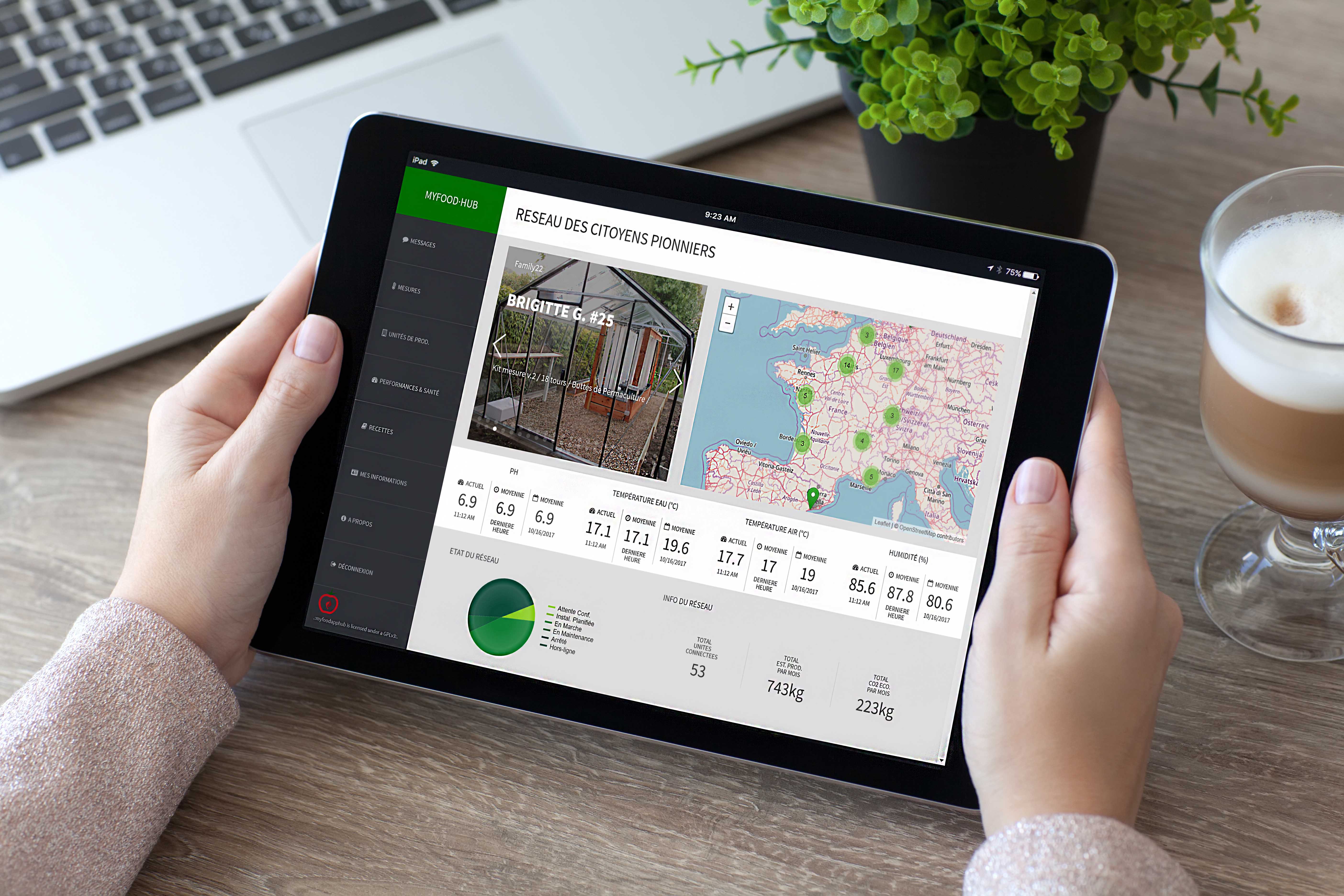
The Myfoodhub application is a tool for monitoring connected greenhouses and ensures precise tracking of actions and usage recommendations.
The quality of exchanges via this platform helps you achieve high productivity levels more quickly.
We improve this solution day by day with your feedback. Feel free to share your comments on the Community.
If you have problems or technical questions, you can also contact us at this address: Support portal
1. Operating principle
Remotely, on your smartphone, tablet or computer, you can view your dashboard.
The electronic unit collects information from the greenhouse and transmits it to the dashboard.
So you can go to work or on holiday and be alerted to the good health of your system.
2. Prerequisites
Using the Hub requires Internet access.
It can be used from a computer (Windows, Mac, Linux), a tablet (Android, IPad) or a smartphone (Android, IPhone, Windows Phone).
For optimal use, we recommend not using script blockers.
Your greenhouse sends data as soon as installation is complete and the electronic measurement unit is powered on.
Measurements are taken every 30 minutes.
If there is a connectivity issue between the greenhouse and the application, you can refer to the Myfoodapp user guide.
3. Accessing the application
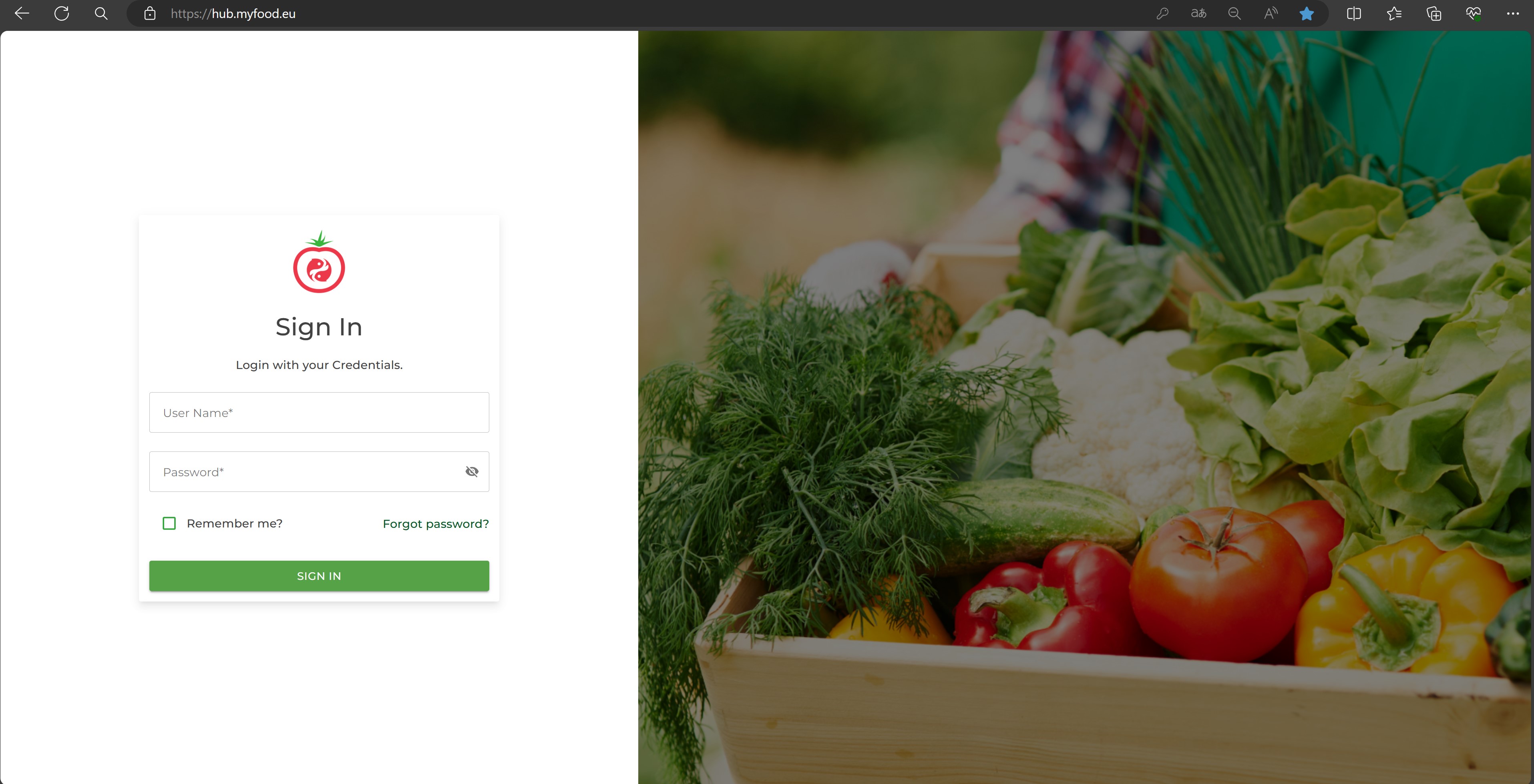
You can access your Myfoodhub application from an Internet browser at the following address: https://hub.myfood.eu/
To log in:
Your login details will be sent to you by email.
TipWe recommend using the latest version of the Google Chrome browser.
4. Space dedicated to your connected greenhouse
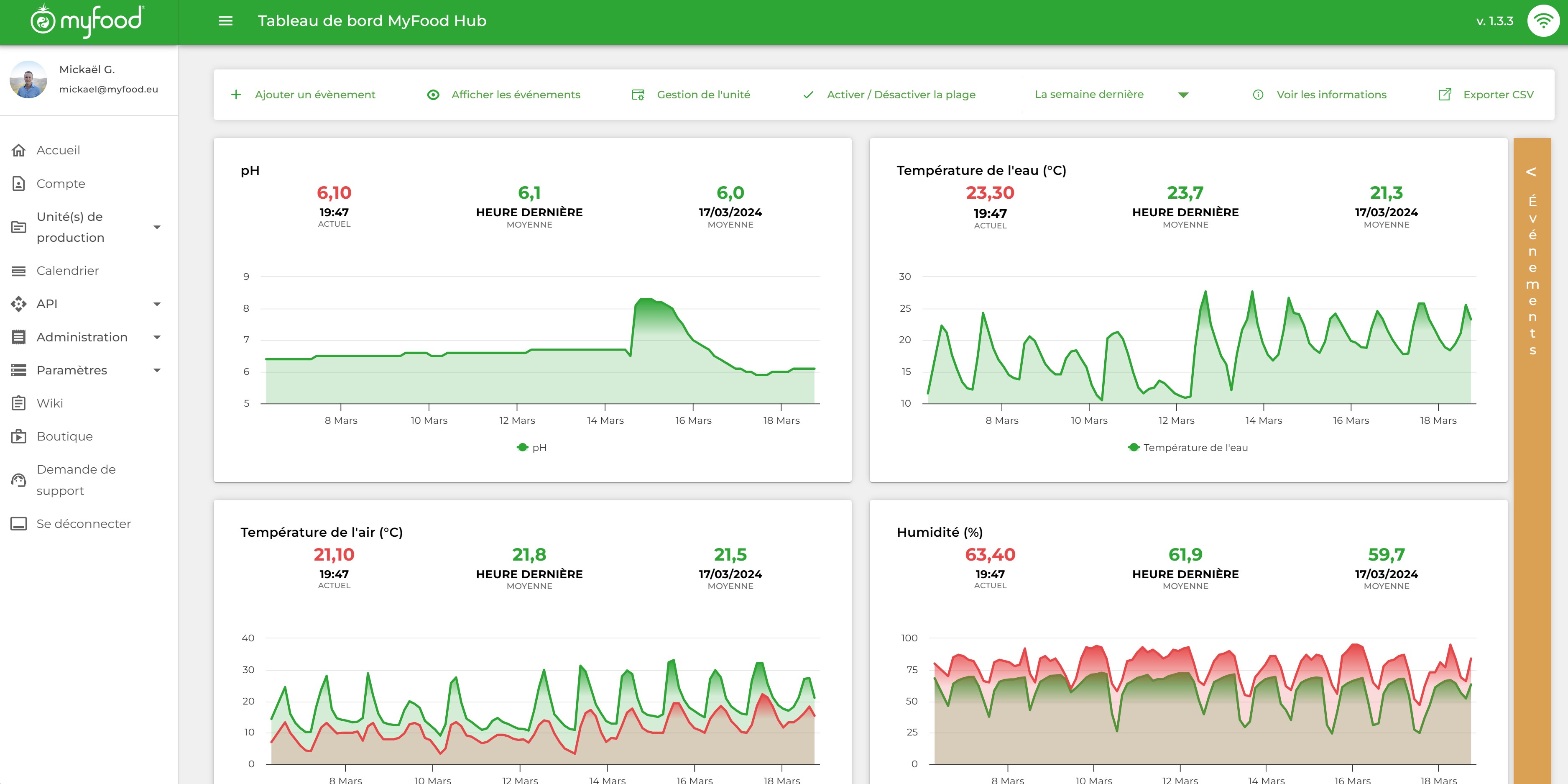
After logging in, you have access to a view that gives you the details of your greenhouse, its configuration, its estimated production levels and measurement information from the different sensors.
You can change the value observation interval between 3, 7 days and the last 3 months.
Data export lets you work in greater detail on all of your values.
5. Viewing outdoor measurements
From the space dedicated to your greenhouse, you can compare the temperature and humidity inside your greenhouse with the outside conditions.
These outdoor measurements are retrieved from your GPS coordinates via a third-party OpenData service.
The curves overlap so you can observe the energy performance of your greenhouse.
6. Entering events and actions
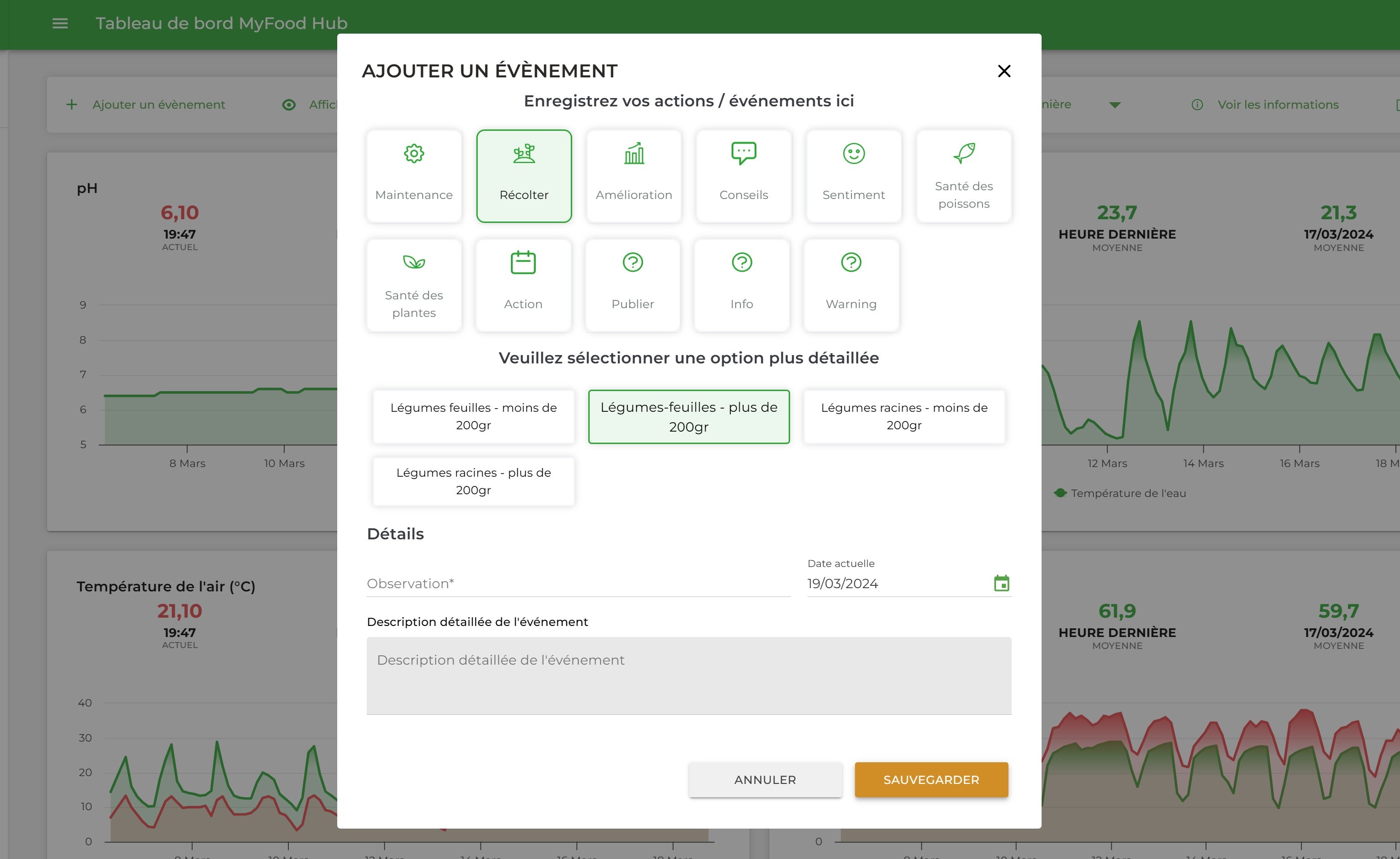
It is essential for Pioneers to use the action entry tool in order to ensure precise monitoring of the connected greenhouse.
This monitoring keeps a centralized history of events, advice, harvests and feedback.
ImportantThe effectiveness of our support depends heavily on the exchange of information between the Pioneers and our team of agronomists.
Several actions can be recorded in succession.
It is possible to enter actions already completed in the past by changing the date in the creation form.
7. Event management
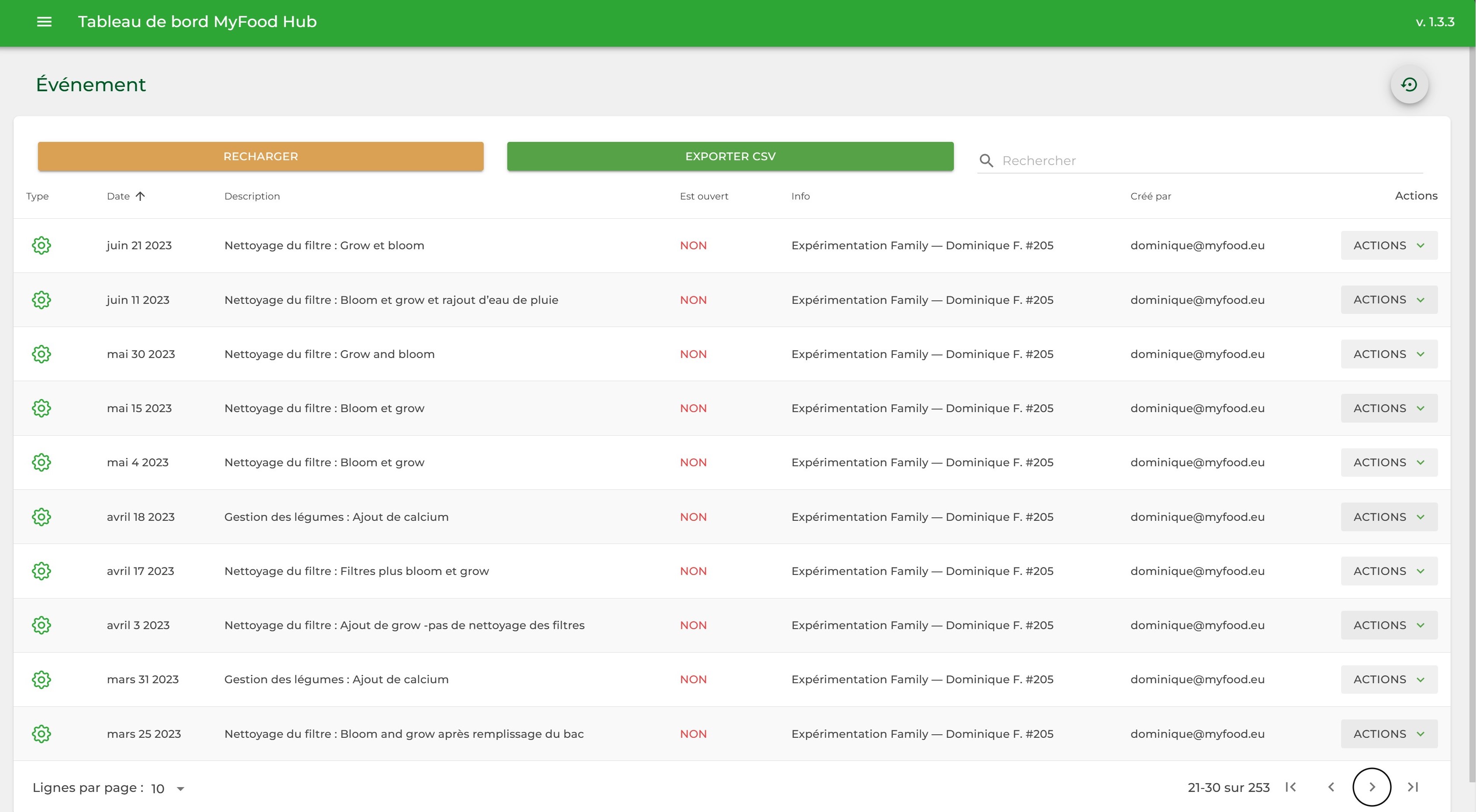
The view below shows all recorded events. It lets you edit, close or delete an event.
Advice is generated automatically every day by our algorithms to help you manage your greenhouse as effectively as possible.
NoteInterventions carried out by us are also recorded here to ensure traceability in the management of your production unit.
Actions of the “incidents” type are marked as “open” when they are created. Once follow-up has been completed and the situation resolved, these open points are “closed”.
8. Connected greenhouse settings
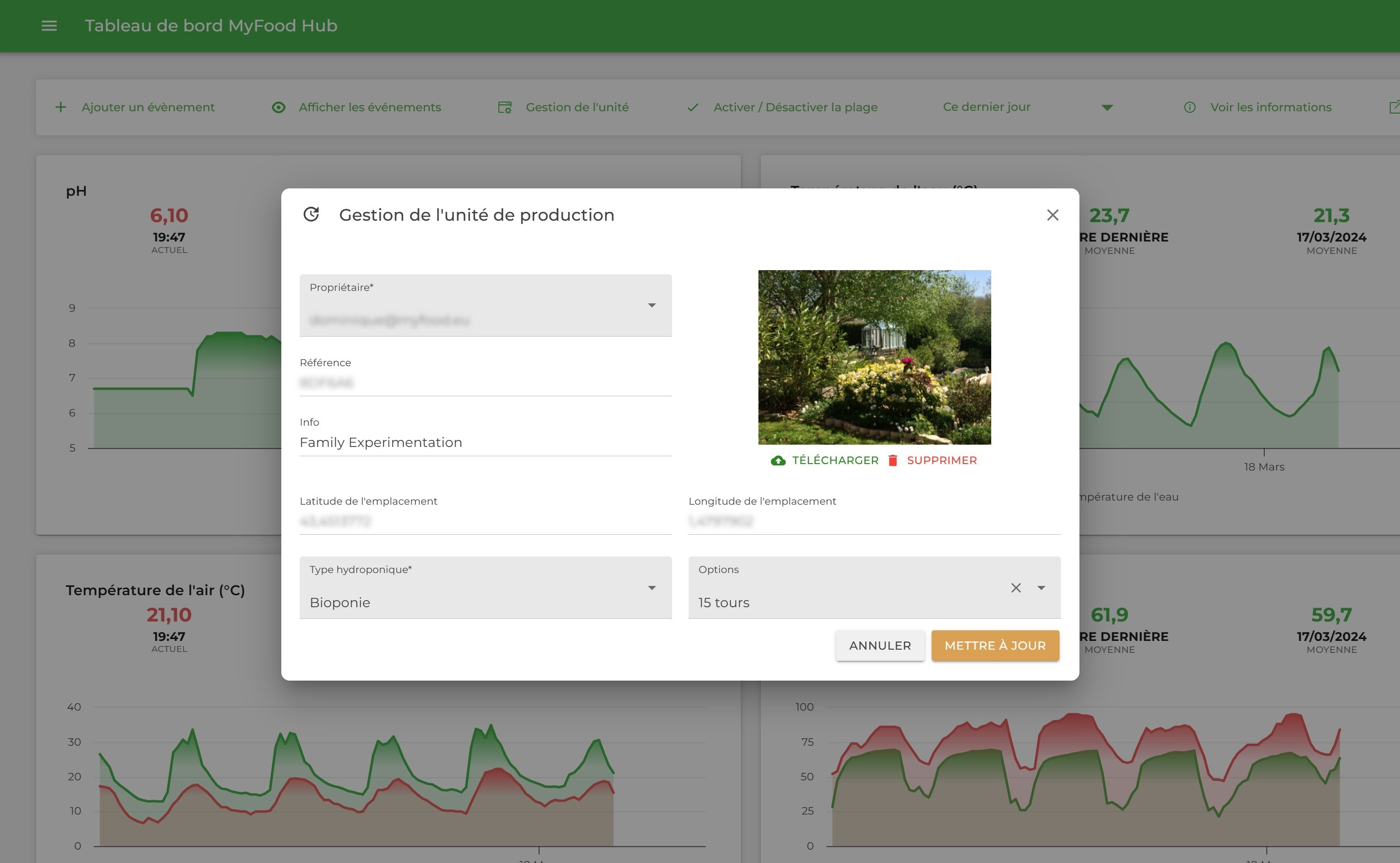
During its period of use, the greenhouse can evolve in its configuration or in its operating mode (aquaponics / bioponics / fish type).
These settings influence the algorithms and make them more relevant.
9. Language selection, smart notification synchronization and email disconnection alerts
The Myfoodhub application supports several languages (French, English, German).
You will also receive an email alert after 4 hours of disconnection.
A default email address for sending notifications is configured when the user account is created.
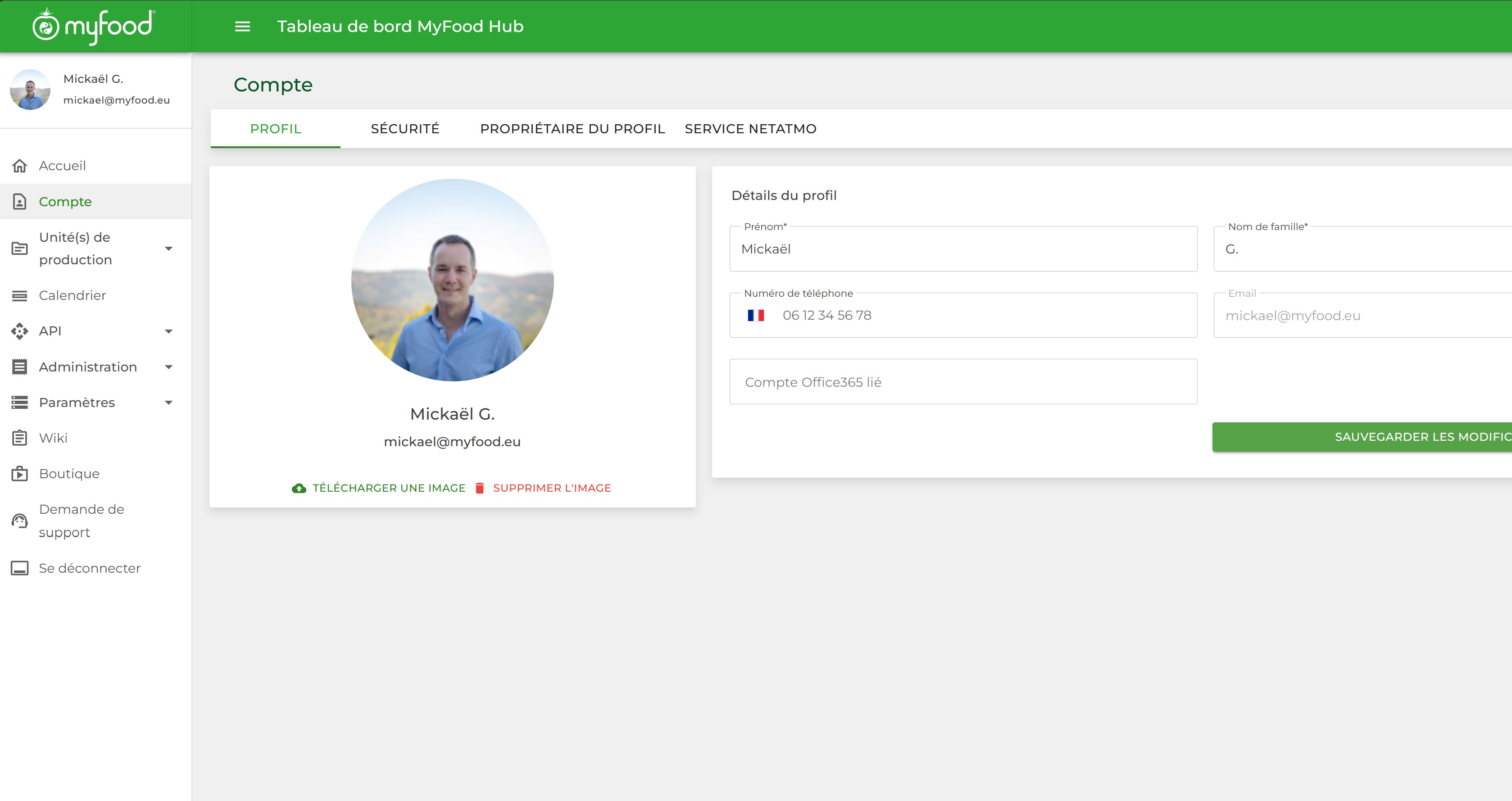
Activating notifications from the "My Information" interface
10. Install Myfoodhub as an app (PC, smartphone)
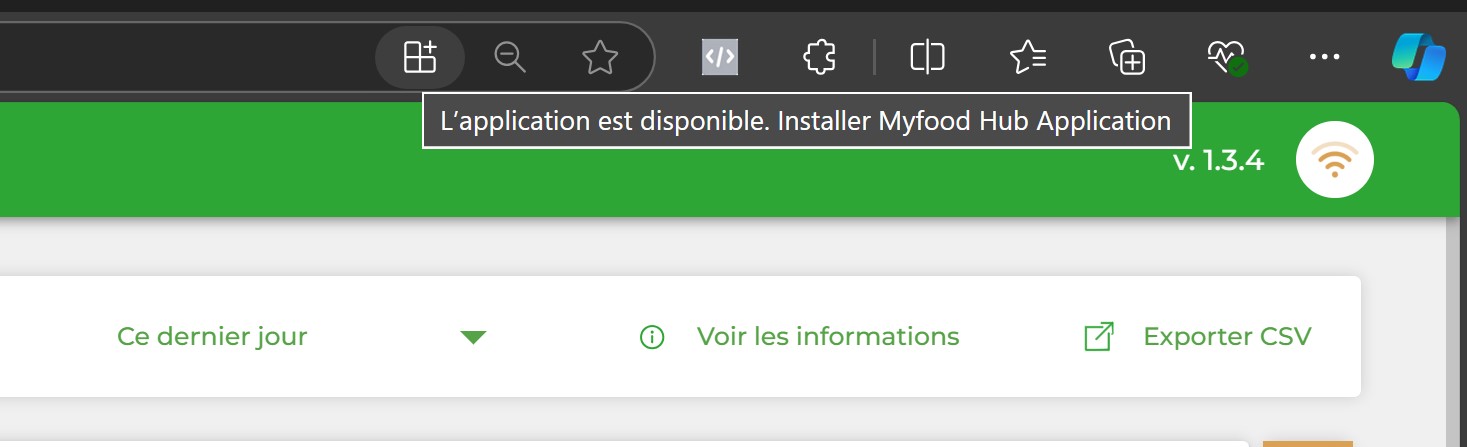
From your browser, you can install a shortcut to Myfoodhub. The icon is then directly available on your desktop.